Teaching need

Instructional Strategies

Choose modeling, guided practice, discussion, collaboration, and access supports for a specific learning goal.

Search the full library

Choose a route

Use the question that best matches the decision in front of you; the labels and filters below narrow the library without implying that one method fits every context.

Suggested starting sequence

  1. Instructional Strategies in a Lesson Plan: How to Choose Them

    Choose a strategy only after defining the student action and evidence the lesson requires.

  2. Visual Aids in the Classroom: Design, Access, and Review Checklist

    Review one visual aid for purpose, cognitive load, and an accessible equivalent.

  3. Teaching for Transfer: Help Students Apply Learning

    Test whether students can select and justify the strategy in a new context.

Recent hub updates

Updated July 19, 2026: added a decision aid, starting sequence, resource filters, preparation labels, and a subtopic map.

Recently expanded guides:

14 resources

Instructional Strategies · Design checklist · 15 minutes

Anchor Charts: Planning, Using, and Reviewing Classroom References

Design one readable anchor chart around a current learning goal, decide what students help add, and plan when to display, revisit, or retire it.

Best for: Teachers revising classroom reference displays

Next action: Select one current objective, remove unrelated chart content, and leave space for the example students will help construct.

Planning and design

Instructional Strategies · Model overview · 30 minutes

Competency-Based Learning Models: Competencies, Evidence, and Progression

Compare competency-based learning components, evidence rules, pacing, feedback, and implementation limits before changing progression or reporting practices.

Best for: School teams exploring competency-based progression

Next action: Define one competency, its acceptable evidence, and the authorized reassessment rule before designing a learner pathway.

Learner participation and practice

Instructional Strategies · K–12 planning guide · 20–30 minutes

Computational Thinking in K–12: Decomposition, Patterns, Abstraction, and Algorithms

Plan a K–12 computational-thinking task around decomposition, patterns, abstraction, or algorithms, with an unplugged option and evidence of student reasoning.

Best for: Teachers adding computational thinking to a subject lesson

Next action: Choose one existing problem and identify the computational-thinking move students must explain, with or without a device.

Digital practice

Instructional Strategies · Activity selection guide · 15–25 minutes

Engaging Classroom Review Games to Reinforce Student Learning

Choose a review game only after defining the retrieval target, equitable participation, feedback, pacing, and a noncompetitive option for students who need one.

Best for: Teachers planning low-stakes review

Next action: Select five retrieval prompts, decide how every student will answer, and remove scoring features unrelated to the learning target.

Learner participation and practice

Instructional Strategies · Design decision guide · 15–25 minutes

Gamification in Education: Goals, Mechanics, and Evidence Checks

Add a game element only when it supports the learning target, preserves access, avoids public ranking, and produces evidence beyond points or participation.

Best for: Teachers considering points, levels, or challenges

Next action: Remove one unrelated reward from a review activity and define the retrieval or reasoning evidence every student will produce.

Learner participation and practice

Instructional Strategies · Implementation roadmap · 45–60 minutes

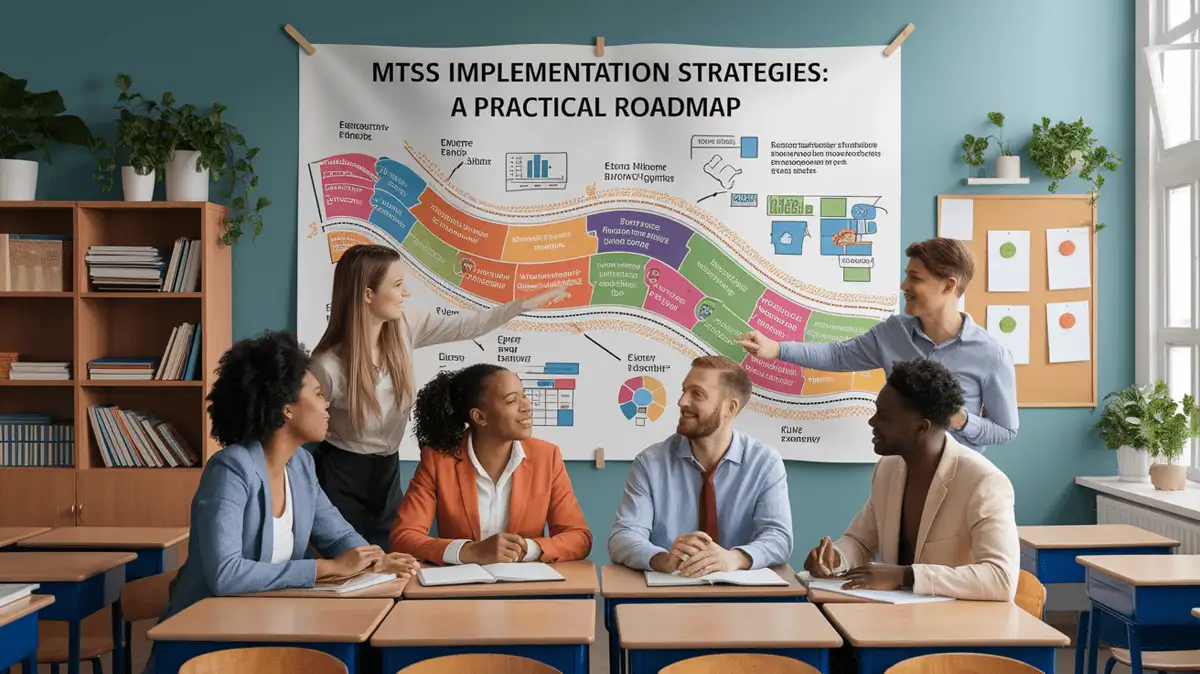
MTSS Implementation: Teams, Measures, Decision Rules, and Fidelity

Plan MTSS through needs evidence, team roles, tier definitions, progress measures, decision rules, implementation checks, and safeguards against fixed student labels.

Best for: School MTSS leadership teams

Next action: Choose one schoolwide need and define the baseline, responsible team, intervention condition, progress measure, and review date.

Learner participation and practice

Instructional Strategies · Implementation guide · 30–45 minutes

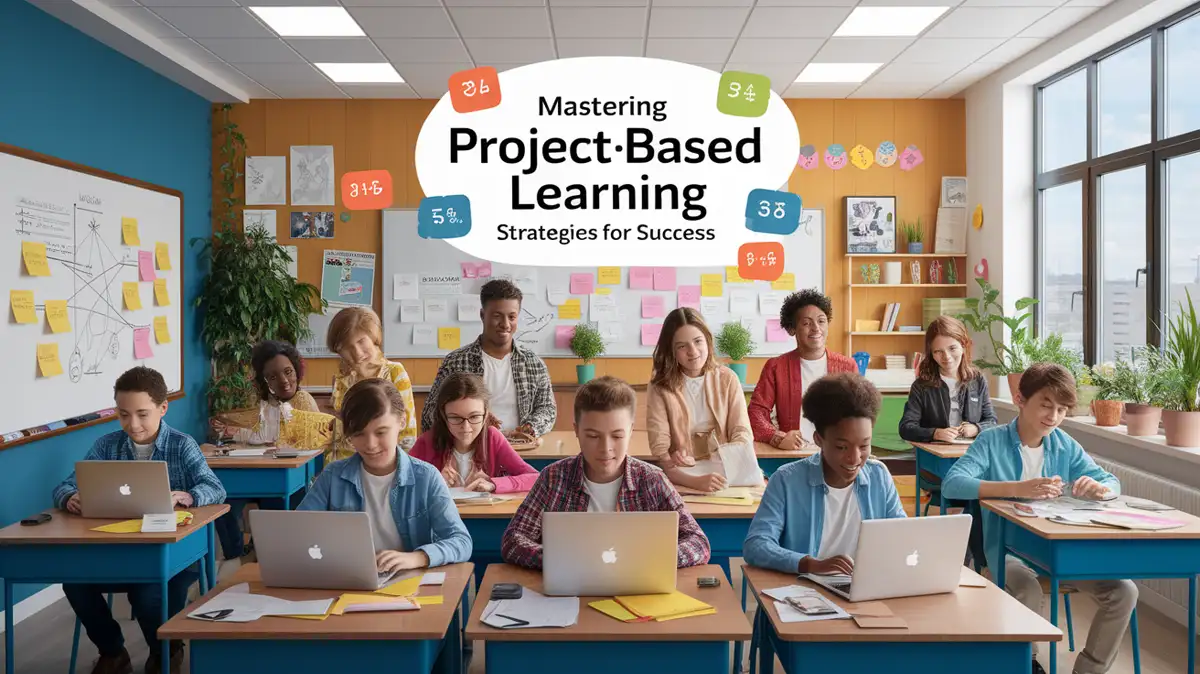
Project-Based Learning Implementation: Scope, Evidence, and Access Checks

Scope a project around a standards-aligned question, checkpoints, individual evidence, collaboration roles, and a feasible audience or final product.

Best for: Teachers launching a classroom project

Next action: Write the project question, one individual evidence checkpoint, and the first deadline before choosing the final product.

Planning and design

Instructional Strategies · Student evaluation guide · 20 minutes

Quick Guide: How Students Can Evaluate Web Sources

Teach students to check authorship, purpose, evidence, currency, context, and corroboration through a short web-source routine with worked comparisons.

Best for: Teachers planning source-evaluation practice

Next action: Choose one web page and one independent source, then prepare the author, claim, evidence, date, and corroboration questions students will answer.

Learner participation and practice

Instructional Strategies · Facilitation guide · 25–35 minutes

Socratic Seminar Facilitation Best Practices: Guiding Meaningful Dialogue

Facilitate a Socratic seminar with a source-based question, preparation evidence, explicit norms, equitable participation routes, listening data, and reflection.

Best for: Teachers planning text-based dialogue

Next action: Choose one source-based question, prepare two entry prompts, and define how students can contribute beyond rapid public speaking.

Discussion and collaboration

Instructional Strategies · Cross-curricular planning guide · 20 minutes

Spatial Reasoning Across the Curriculum: Representations, Language, and Transfer

Plan spatial reasoning across subjects with a defined relationship, representation, manipulation, language support, accessibility route, and transfer question.

Best for: Teachers adding spatial reasoning to a subject lesson

Next action: Choose one spatial relationship students must reason about and select the model, action, and explanation that will reveal it.

Planning and design

Instructional Strategies · Goal-setting and tracking guide · 20 minutes

Student Goal-Setting and Progress Tracking: Targets, Evidence, and Check-Ins

Support student goal setting with a bounded academic target, baseline, action steps, accessible tracking, teacher check-ins, and revision when evidence changes.

Best for: Teachers planning student progress conferences

Next action: Choose one academic goal, record the starting evidence, and schedule the first check-in before selecting a tracking tool.

Learner participation and practice

Instructional Strategies · Role-design guide · 20 minutes

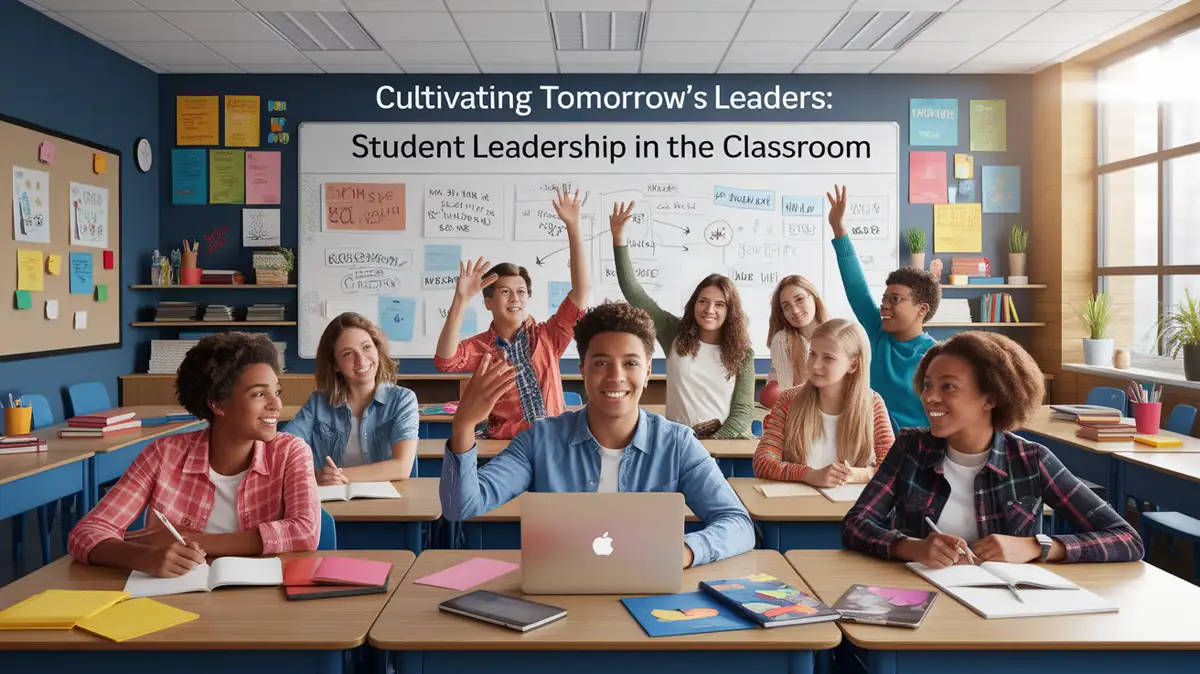
Student Leadership in the Classroom: Roles, Boundaries, and Evidence

Create bounded classroom leadership roles with clear responsibilities, rotation, coaching, feedback, and reflection rather than treating confidence as leadership.

Best for: Teachers creating student leadership opportunities

Next action: Define one rotating leadership role, its observable responsibilities, and the feedback question students will use afterward.

Learner participation and practice

Instructional Strategies · Transfer planning guide · 20 minutes

Teaching for Transfer: Help Students Apply Learning

Plan for transfer by varying contexts, comparing examples, fading prompts, asking students to select a strategy, and collecting evidence in a new situation.

Best for: Teachers checking application beyond initial practice

Next action: Choose one learned idea and design a new-context task that requires students to select and justify its use without the original cue.

Planning and design

Instructional Strategies · Design guide and review checklist · 15–20 minutes

Visual Aids in the Classroom: Design, Access, and Review Checklist

Choose an instructional visual for the learning goal, remove decorative load, plan an accessible equivalent, and review one worked example before class.

Best for: Teachers revising slides, diagrams, or handouts

Next action: Review one visual for its learning purpose, remove one decorative element, add an accessible equivalent, and write the question students will answer with it.

Access and support