
Educational Technology and AI
Technology-Enhanced Lesson Planning: Objectives, Access, Privacy, and Backup Routes
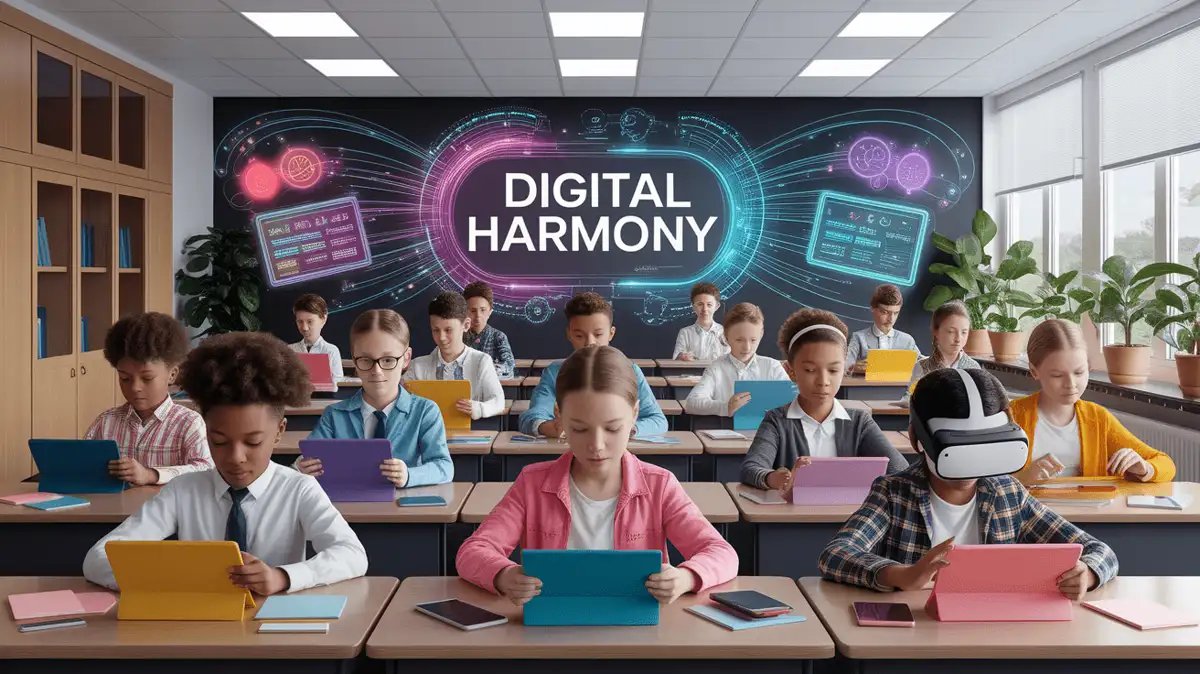
Selecting technology for a lesson
Select technology for a defined instructional action only after checking privacy, accessibility, age, cost, reliability, and a non-digital backup. It does not make learning engaging, personalized, or effective by itself.
Start with the instructional purpose
A tech-enhanced lesson uses a digital tool for a defined student or teacher action tied to the objective. Select the tool only after comparing it with simpler non-digital routes and reviewing approval, privacy, accessibility, age, cost, reliability, and support requirements.
Effective integration requires the tool to fit the curriculum goal, task, and student requirements. Technology does not by itself shift students from passive consumption to active creation or make them problem-solvers and critical thinkers; collect evidence of the specific action and learning target.
Begin with lesson-planning fundamentals: objective, model, practice, evidence, access supports, and adjustment. Add technology only when it serves one of those elements better than the feasible alternatives.
What alignment looks like
An aligned tool serves a clear role in the lesson and does not create a separate task unrelated to the objective. Students may still experience technical friction or need a non-digital route, so test the workflow rather than assuming the experience should be invisible or free of friction.
Define the learning objective and the tool's role
Write the lesson goal and objective before choosing a tool. State the exact action the tool supports and the evidence it should produce so that the technology does not become the activity or obscure the learning target.
Potential uses to evaluate
Consider a digital tool only for a use that cannot be met as well by a simpler approved route. The examples below describe possible functions, not reasons that educational technology automatically deserves classroom use.
Check the response opportunity
Interactive and adaptive tools can change pacing or feedback, but product use does not establish attention, intrinsic motivation, mastery, or accessibility.
Check individual evidence in shared work
Approved shared workspaces can let students co-author documents, curate sources, or coordinate a project. Before using one, define permissions, moderation, attribution, accessibility, and a non-digital alternative; shared software does not guarantee teamwork, engagement, or a real-world learning benefit.
Check the proposed adjustment
Adaptive technology can provide particular supports for some students with disabilities. Features such as text-to-speech or visual aids may remove identified access barriers, but the presence of a feature does not ensure equitable access. Test the actual material, follow individualized requirements, and provide an alternative route before deciding whether the tool supports differentiation.
Specify the assessed skill
A technology-supported task may ask students to practice the following skills, but the tool does not cultivate them without an aligned prompt, instruction, and evidence:
- Critical Thinking: Analyzing digital data and solving complex problems
- Creativity: Designing multimedia projects or coding interactive presentations
- Communication: Explaining ideas or coordinating work through an approved, moderated channel with privacy and non-digital participation options
Tool categories and review criteria
These examples describe tool categories rather than endorsements. Product features, prices, age terms, privacy practices, and accessibility can change, so use only locally approved options after a current review and keep a non-digital backup.
Audience-response and study tools
- Audience-response tools - Collect answers to a defined question; protect student identity, provide an accessible response route, and do not treat game participation as evidence of learning.
- Interactive presentation tools - Embed questions or media when they serve the objective; test keyboard access, captions, response privacy, and the non-digital fallback.
- Flashcard and retrieval-practice tools - Use for suitable recall practice after checking content accuracy, data collection, accessibility, and whether a paper or local option is preferable.
- Video-annotation tools - Add questions to an approved video only when licensing, captions, student data, device access, and a transcript or alternative route have been addressed.
Shared-workspace tools
- Learning-management systems - Organize assignments and communication when the platform is institutionally approved and accessible; define permissions, retention, support, and a backup route.
- Team workspaces - Support approved messaging, meetings, and shared files; set moderation, privacy, accessibility, and participation expectations before use.
- Digital portfolios and family communication - Use only through an approved platform with clear audience, consent or notice procedures, access controls, retention rules, translated or non-digital routes, and limits on student disclosure.
Comprehensive Learning Management Systems
- Course platforms - Compare assignment, discussion, assessment, accessibility, data, support, and export requirements for the actual course; breadth of features is not evidence of fit.
- Course platforms with assessment features - Test the interface and scoring workflow with intended users; do not rely on generic user-friendly or strong-tool claims.
Media-production tools
Podcasting or video-editing tools can support a media product when media creation is part of the objective. Provide instruction on attribution, privacy, accessibility, storage, and audience, and offer an equivalent route when recording or publishing creates a barrier.
Ways to place technology within a lesson
Use the phases of a lesson to identify where a tool has a defined purpose. No phase requires technology, and a non-digital route may better support the objective.
The SAMR Approach
The SAMR labels—Substitution, Augmentation, Modification, and Redefinition—can describe how a task changes when technology is added. They are not a quality ladder; judge each use by the objective, evidence, access, privacy, workload, and reliability.
- Substitution: Replace paper worksheets with digital versions
- Augmentation: Add interactive elements to digital worksheets
- Modification: Students create multimedia presentations instead of written reports
- Redefinition: A class might coordinate with an outside group on an approved project, but only with age-appropriate safeguarding, privacy, moderation, access, and a local alternative.
Blended Learning Strategies
Blended learning combines in-person instruction with online elements. It is not automatically the best of both formats; compare access, workload, interaction, evidence quality, device availability, and the continuity plan before selecting a model.
- Station Rotation: Students rotate between tech stations and traditional activities
- Flipped lesson: Offer instructional material before class only when students have an accessible route, adequate time and device access, and an in-school or non-digital alternative; do not make home support a prerequisite.
- Flex model: Let students move through a defined sequence with scheduled teacher checks, required supports, and clear evidence points rather than assuming self-pacing meets support needs.
Possible classroom uses
- Virtual visits using approved 360-degree video or VR only after reviewing content, age terms, privacy, physical and sensory safety, accessibility, supervision, and a screen-free alternative
- Digital storytelling with multimedia presentations
- Online debates or discussions on an approved, moderated platform with privacy protections, accessible participation routes, and a non-digital option
- Augmented-reality models only when they accurately represent the concept, meet privacy and access requirements, and add useful evidence beyond a simpler model
Implementation and classroom routines
A BYOD or school-device lesson requires local policy, equitable device and connectivity access, network and account security, student-data protections, accessibility, charging and support plans, and a non-digital route. Do not ask students to use personal devices or accounts unless the school has authorized the practice.
Technical Readiness Checklist
- Test all technology before class begins
- Have backup plans for tech failures
- Create clear digital citizenship guidelines
- Align device expectations and responses with school policy, safeguarding procedures, and individualized student requirements
Scaffolding Technology Integration
Introduce one approved tool with a short model, guided practice, and a familiar fallback. The linked guide to instructional strategies can help plan that sequence, but gradual introduction does not guarantee adaptation or uninterrupted learning.
Digital Citizenship Education
Strategies for digital citizenship education in a tech-enhanced classroom include:
- Teaching responsible online behavior and communication
- Discussing digital footprints and privacy
- Addressing cyberbullying and online safety
- Promoting critical evaluation of online information
Professional learning and support
Use approved training, documentation, and technical support for the selected tool and task. Begin with one bounded use, record unresolved access or privacy questions, and expand only after the workflow and instructional evidence have been reviewed.
Evaluate use and adjust
To assess understanding, collect student work or responses aligned to the objective. Technology-generated participation, click, completion, or time-on-task data may not show understanding or engagement and should not be interpreted without context.
Formative Assessment with Technology
- Audience-response check: Use an approved tool or private non-digital response for one objective-aligned question; protect identities and inspect answer quality rather than participation alone.
- Digital exit ticket: Use an approved form or learning platform with minimal data collection, an accessible route, and a paper or verbal alternative.
- Automated quiz feedback: Verify answer keys and explanations, make the response accessible, and provide a route to teacher review; immediacy does not establish accuracy or instructional value.
- Peer review: Use a teacher-defined protocol that limits personal data, protects relationships, offers an alternative, and keeps consequential assessment with the teacher.
Using data within role and policy
Adaptive systems and learning analytics may recommend content or display response patterns. Before use, review approval, data minimization, model limitations, bias, access, retention, and human oversight; do not assume an algorithm personalizes learning or identifies a student's needs.
- Flag a response pattern for teacher review; do not infer a support need from an automated score alone
- Adjust pacing based on class progress
- Modify activities that aren't achieving learning objectives
- Document accurate performance and unresolved needs without turning system labels into judgments about a student
Student Voice and Feedback
Regularly check whether technology supports, rather than distracts from, the core learning goal. Ask students:
- Which features help them complete the stated task, and which create barriers?
- What technical challenges do they face?
- How does technology support their individual learning needs?
Current trends to evaluate
Product capabilities, pricing, privacy terms, and accessibility can change. Review each tool against the current instructional purpose and local requirements before continuing with the trends below.
Claims about AI-supported personalization
AI systems may generate explanations, examples, feedback, or recommendations, but outputs can be wrong, biased, inaccessible, or based on inappropriate data collection. Use only approved systems, minimize student data, verify every output, provide a non-AI alternative, and keep instructional decisions with qualified staff.
Equity and Access
Schools may address digital-access gaps through devices, connectivity, accessible formats, technical support, and non-digital routes. A tool or teacher commitment does not ensure access; measure who can use the complete workflow and resolve documented barriers through the appropriate school team.
Constructivist Approaches
Simulations, inquiry tasks, and interdisciplinary projects can give students material to interpret or manipulate. They do not automatically give students agency or lead to accurate understanding; require explanation and check the resulting evidence.
Your Next Steps
Begin with one approved tool and one defined action. Before keeping or expanding it, review learning evidence, access, privacy, reliability, workload, and the fallback.
Pilot one approved tool for a defined purpose and collect access and learning evidence. Remove it if it adds friction or fails to support the objective.
Classroom resources for this teaching goal
- Objective-to-Assessment Alignment Pack — For checking whether the technology-mediated task elicits the intended thinking, use the alignment planner with the actual student action and criterion.